Loading…
Loading…
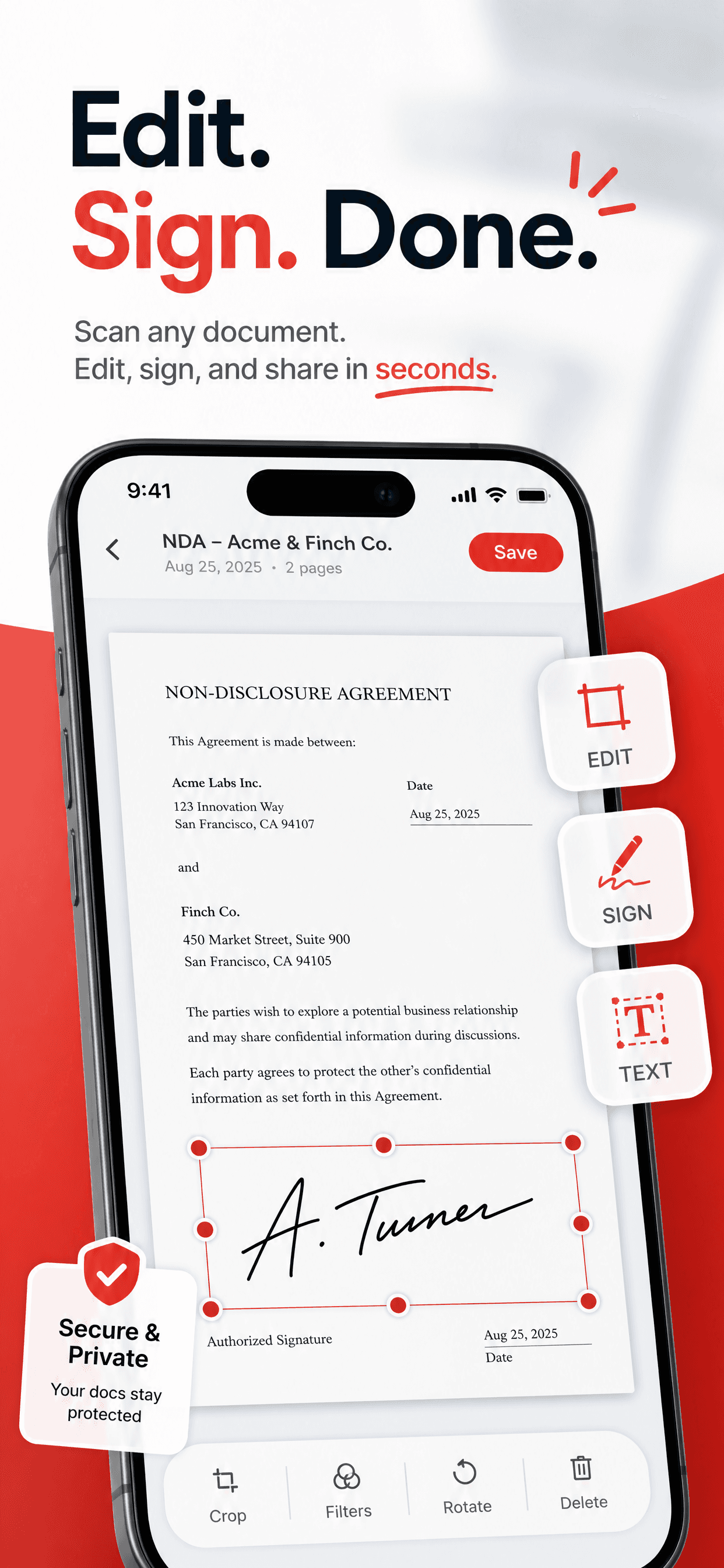
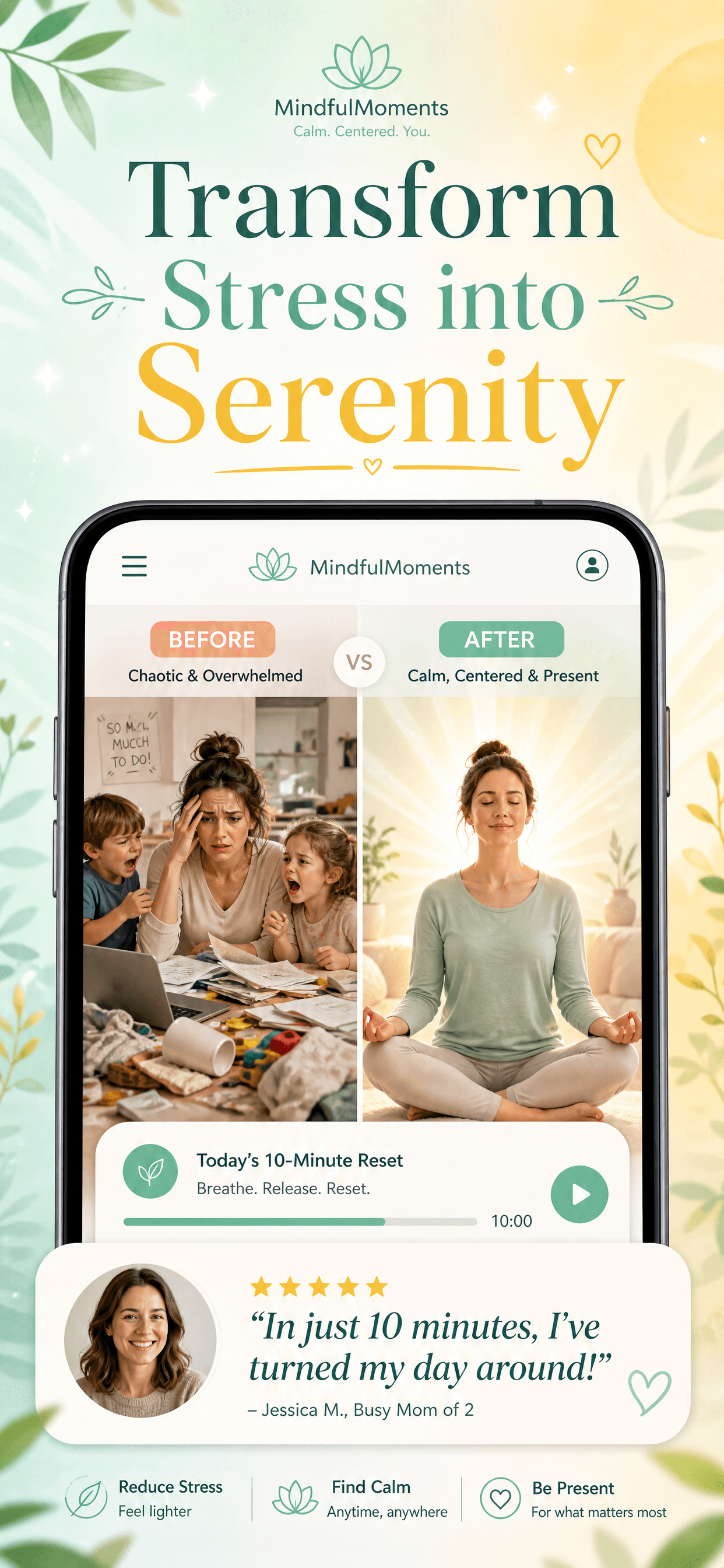
Polished redesigns in seconds. Translated into 34 App Store languages without changing the design. Generate fresh screenshots from a one-line description. For iPhone and Mac.
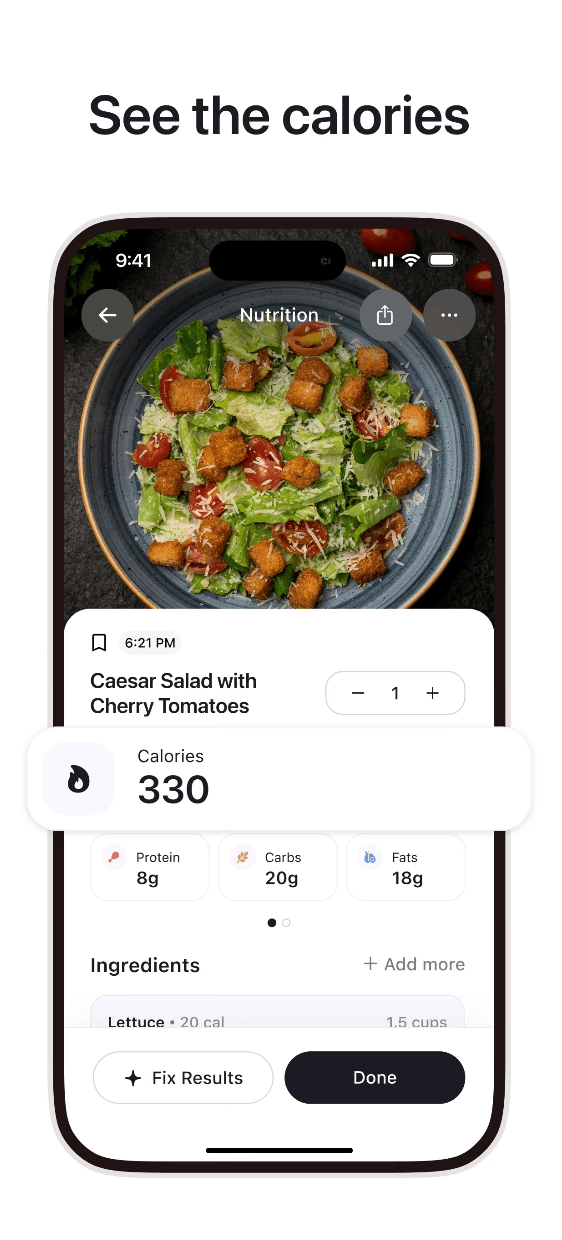
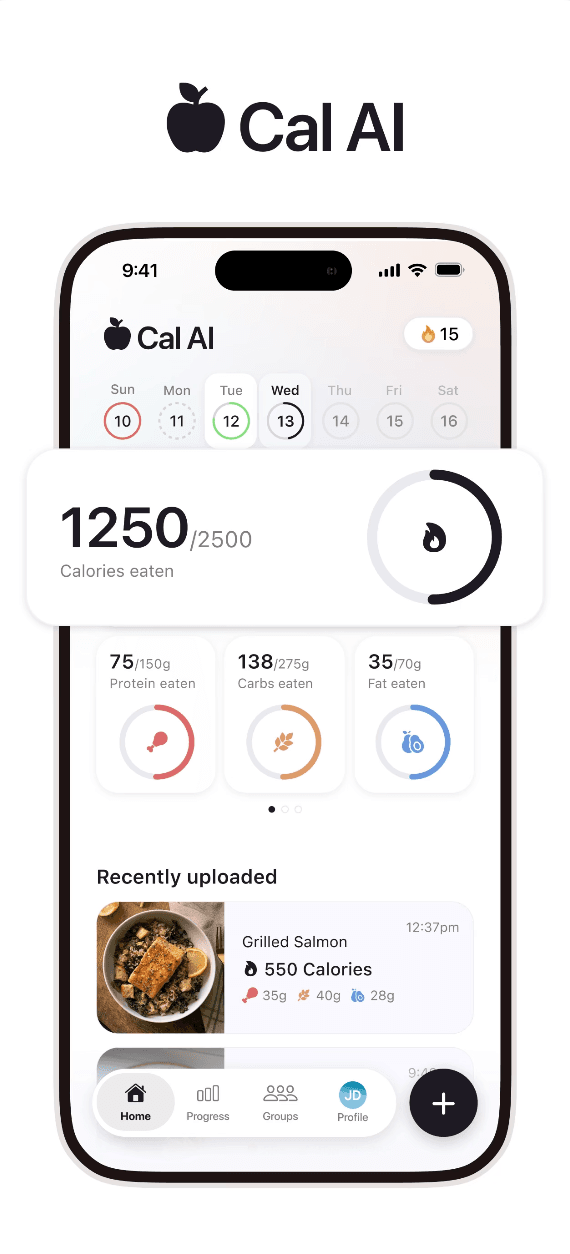
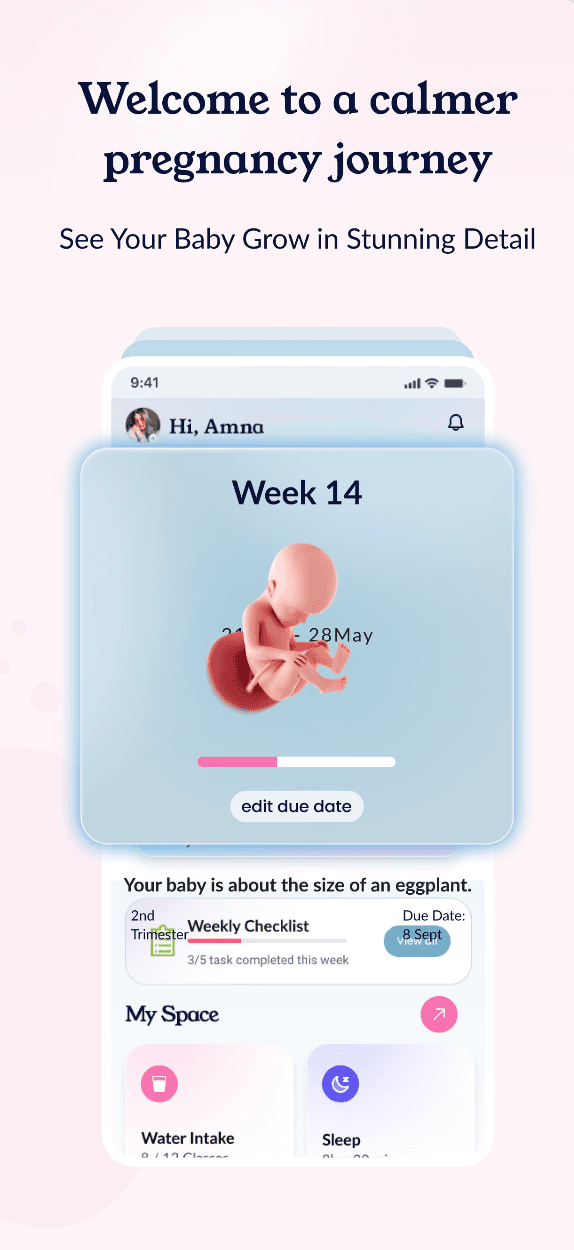
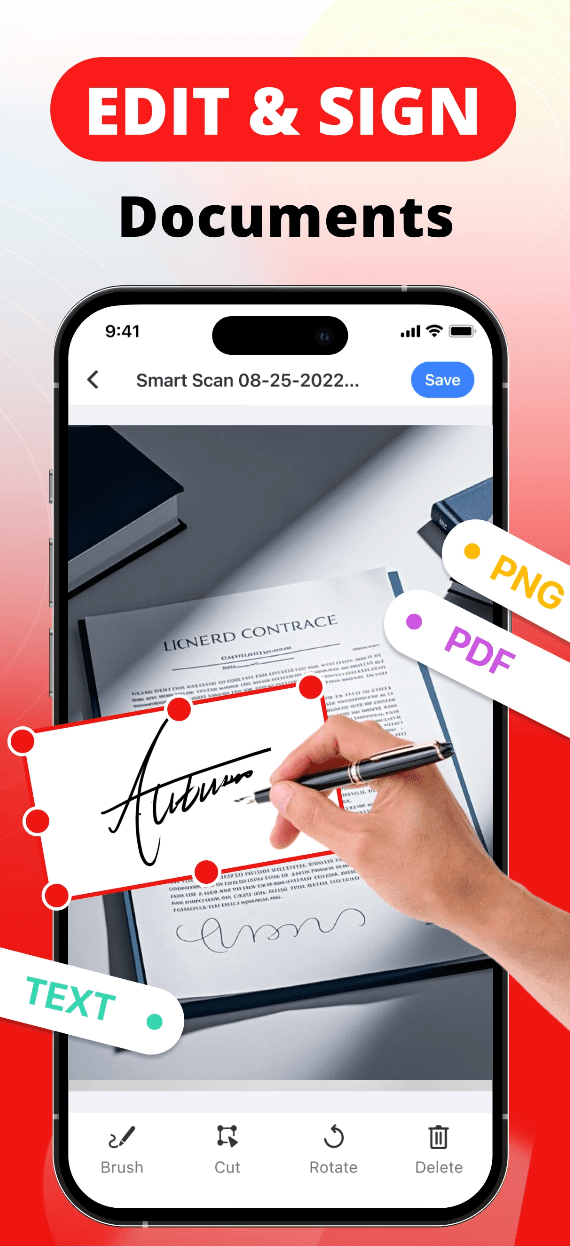
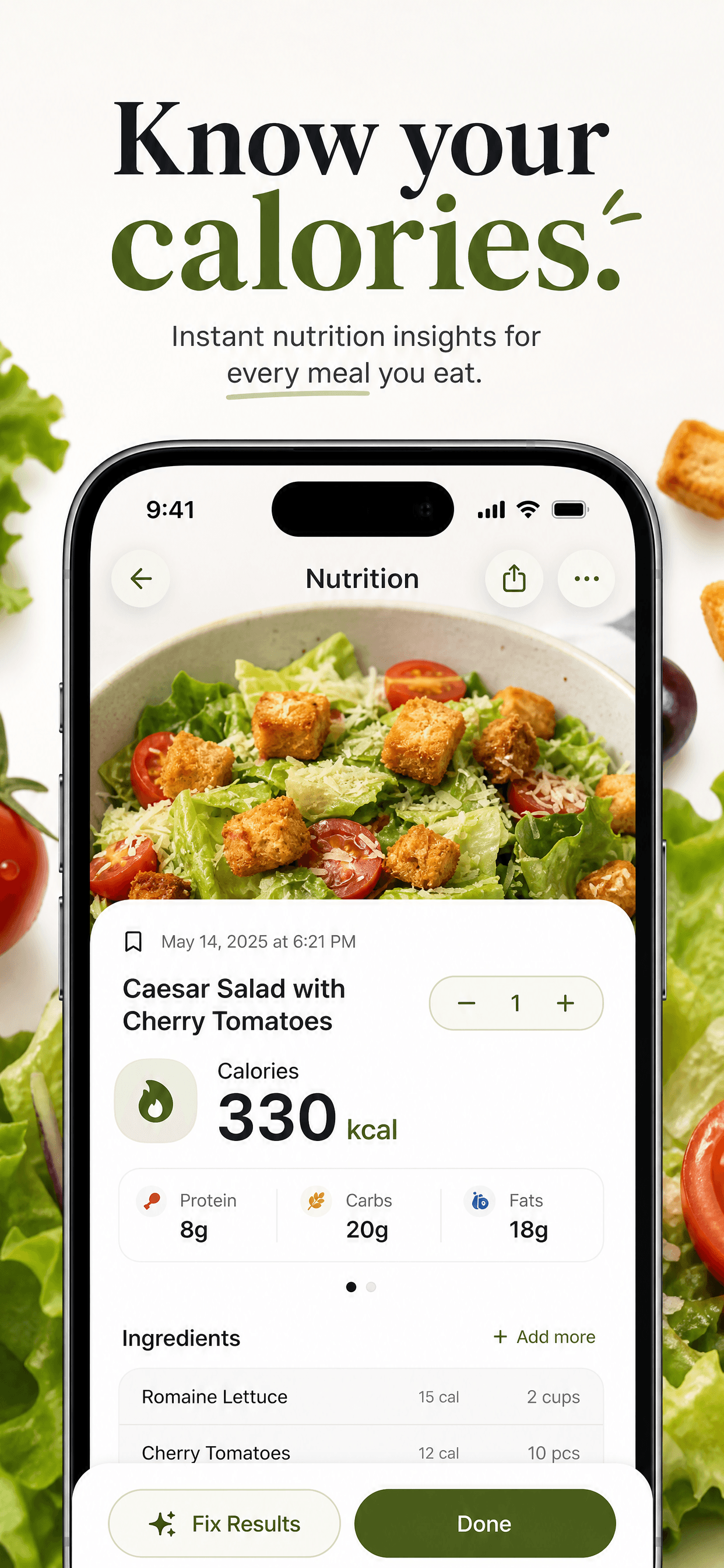
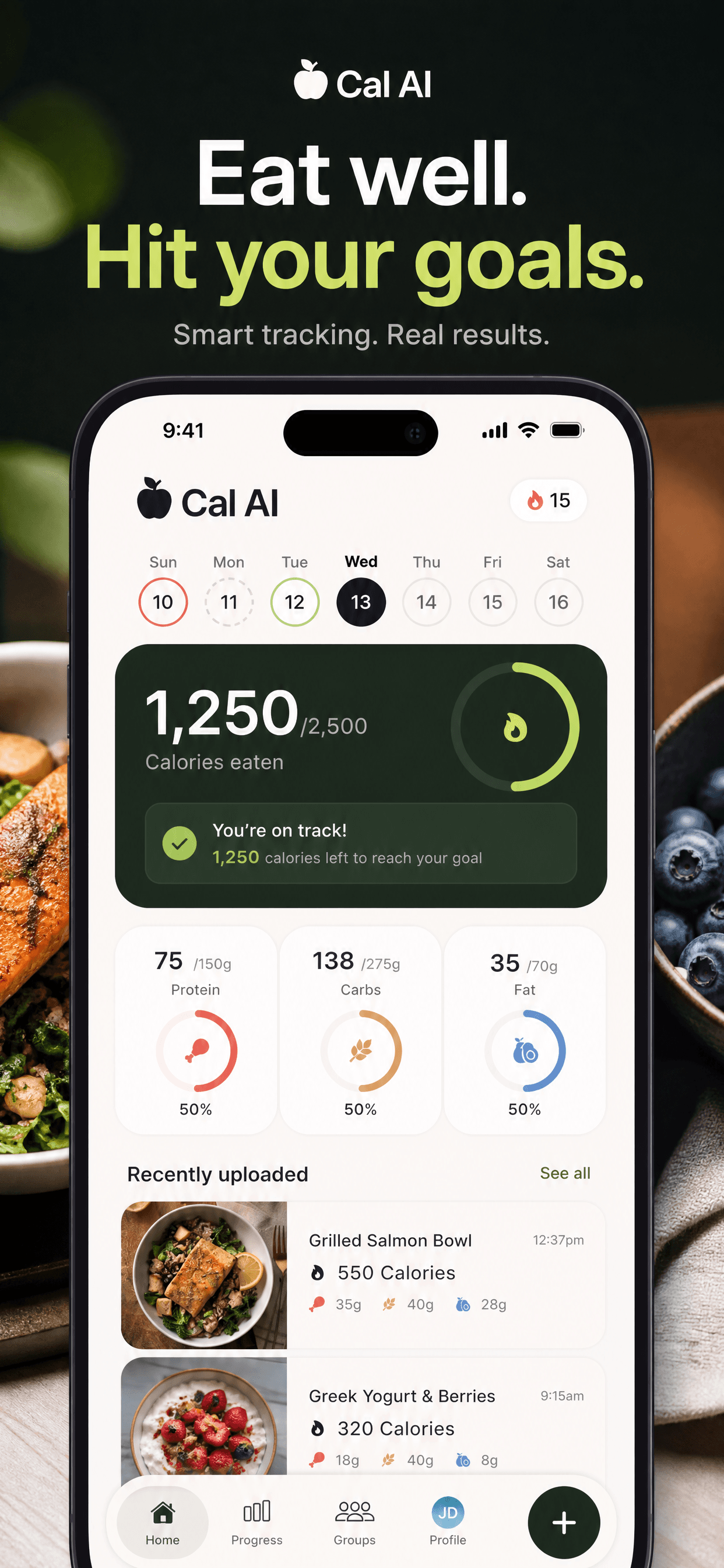
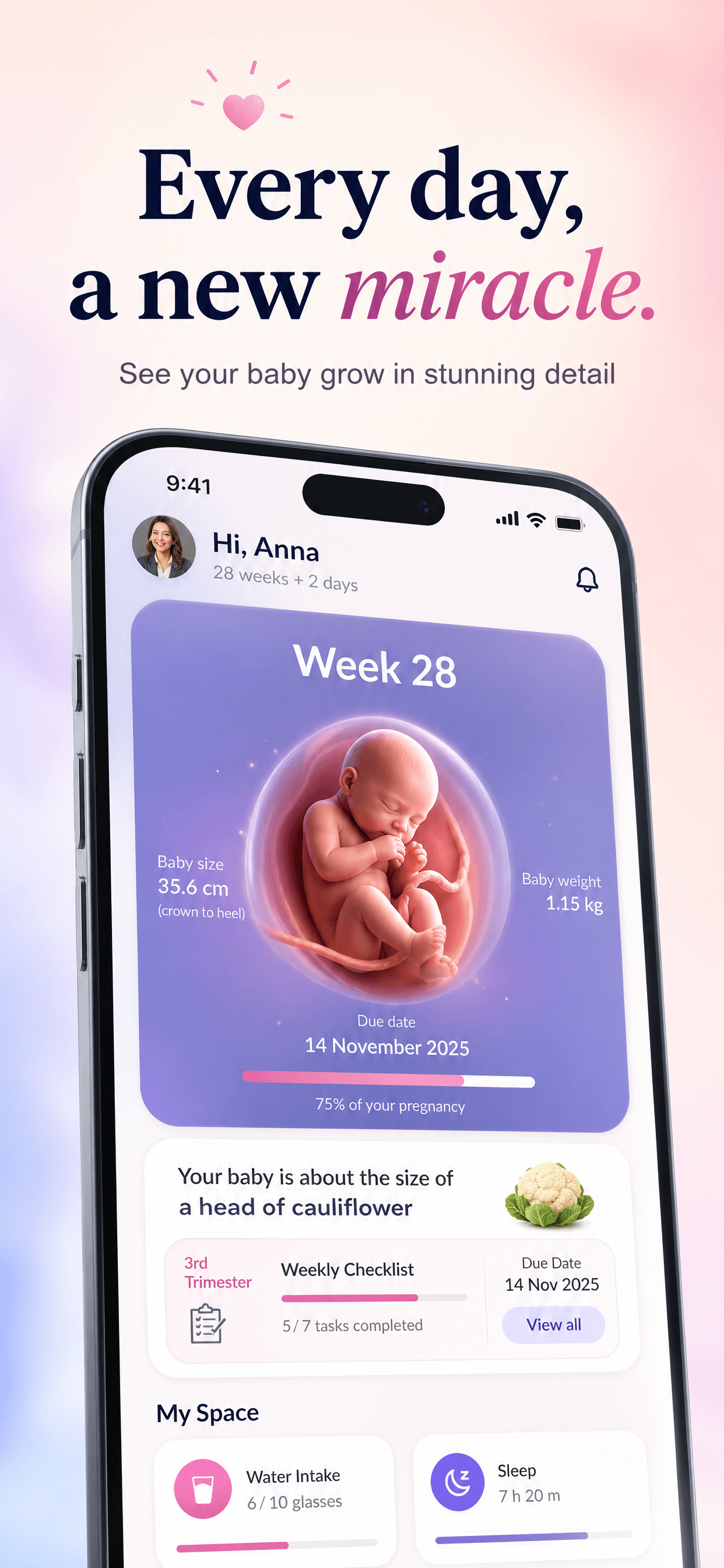
Indie utility · 1 of 4
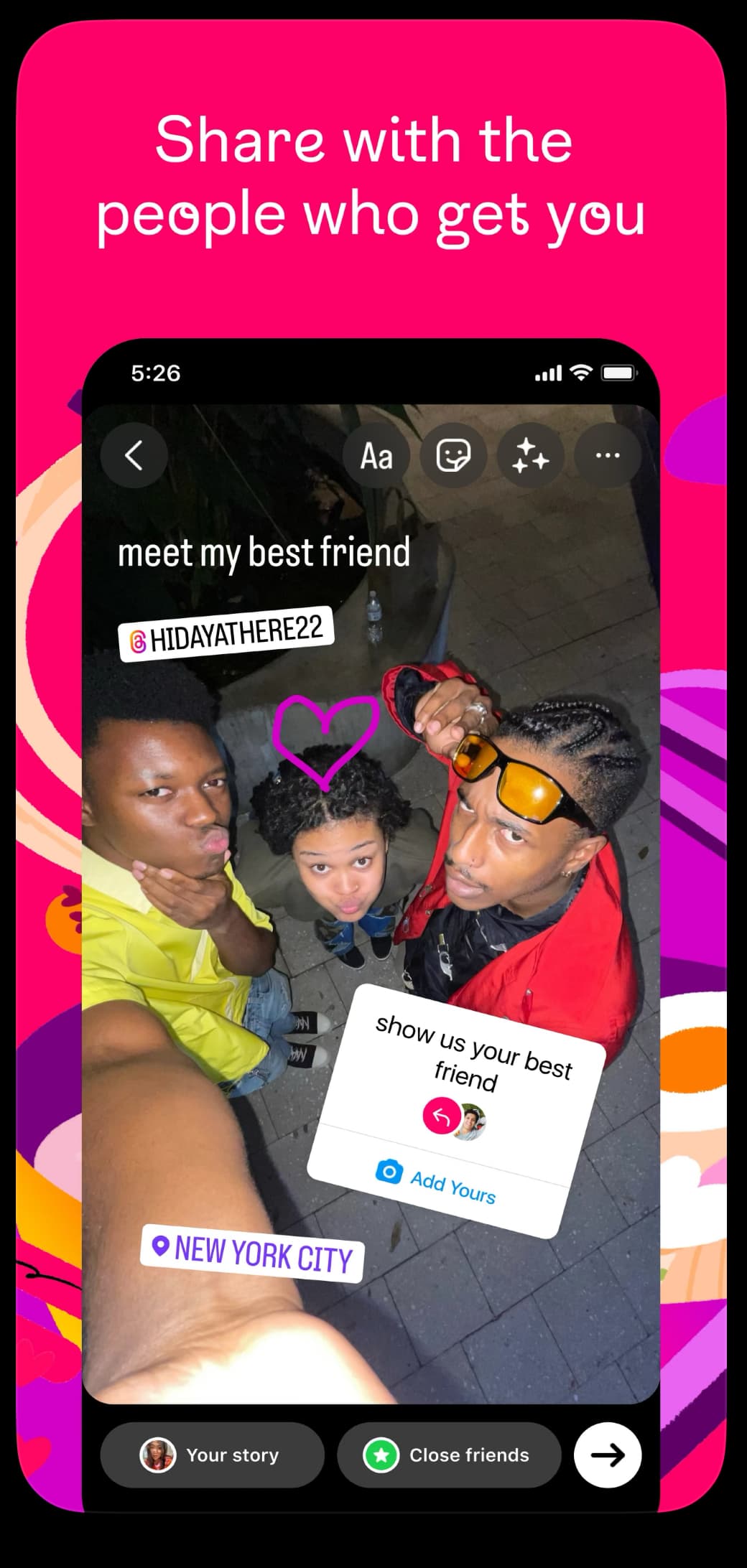
Skip the manual rework. Upload what you have and get polished, conversion-ready replacements in 60 seconds — same app, new story. Pick from variations or re-roll until you love one.
Polished App Store-ready output
Clean layouts, sharp benefit-led headlines, no fake CTAs.
Exact App Store dimensions
iPhone 1242×2688 or Mac 1280×800 — drop straight into App Store Connect.
Multiple styles per app
Re-run with different palettes or directions until something clicks.
Bring user direction
Optional prompt: "brighter palette", "more whitespace", "lead with the price".
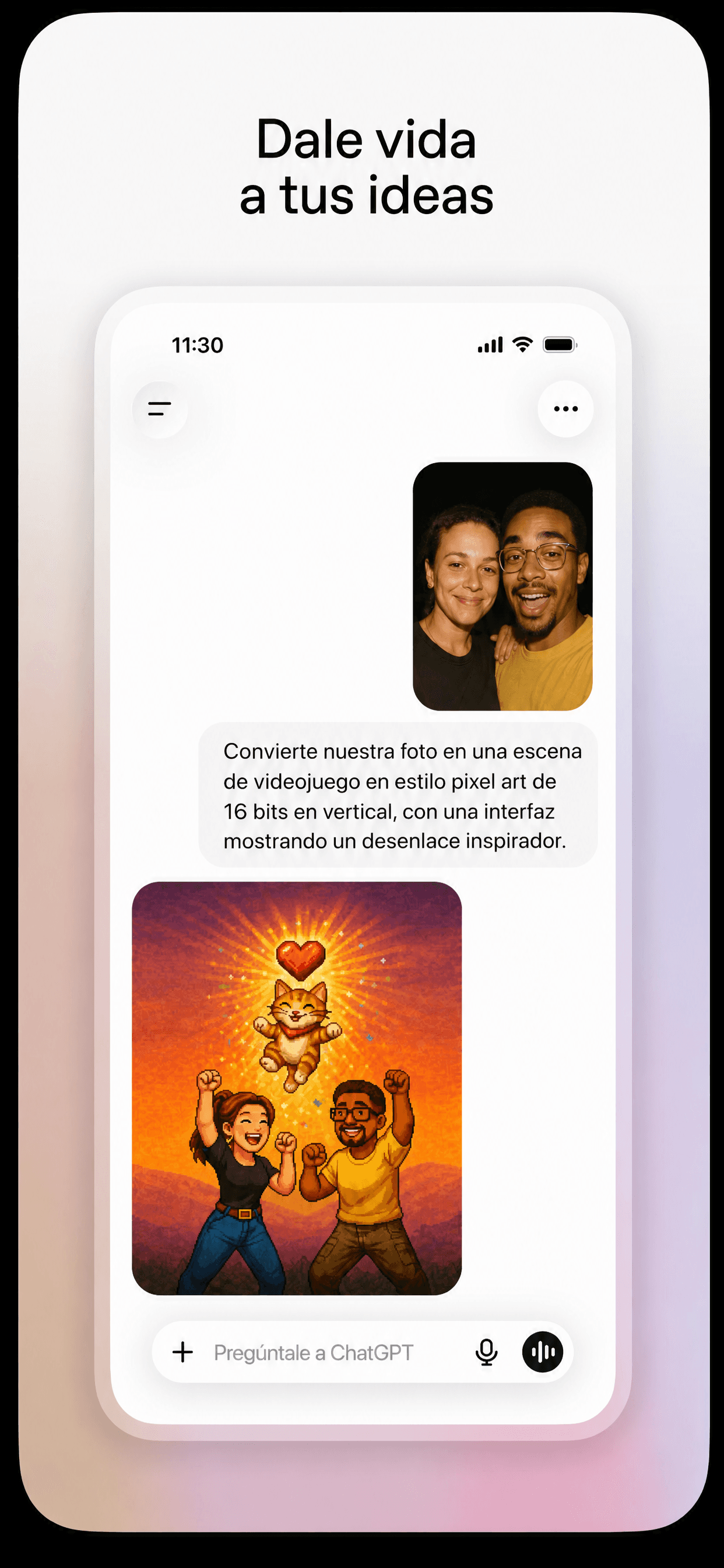
Example 1 · 1 of 2
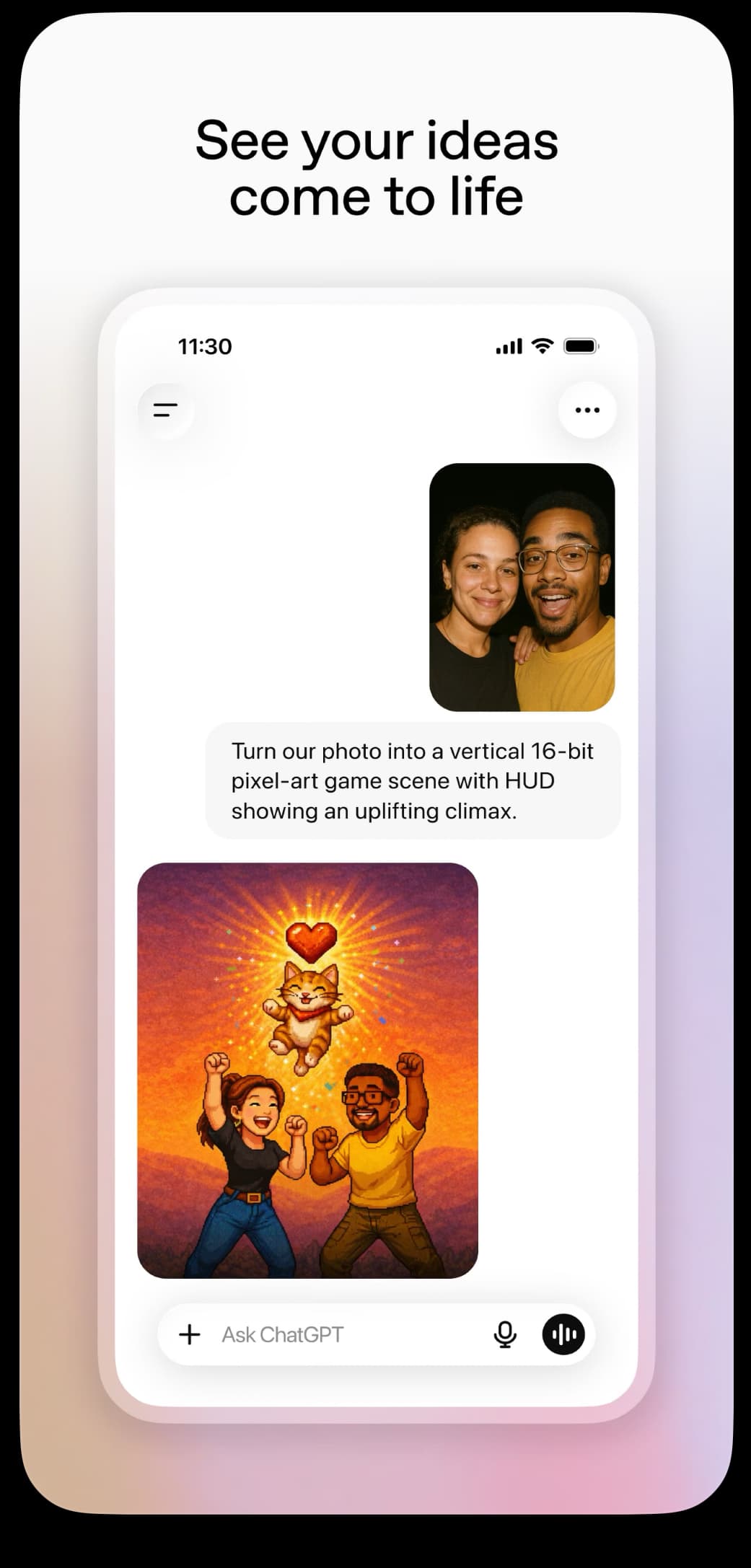
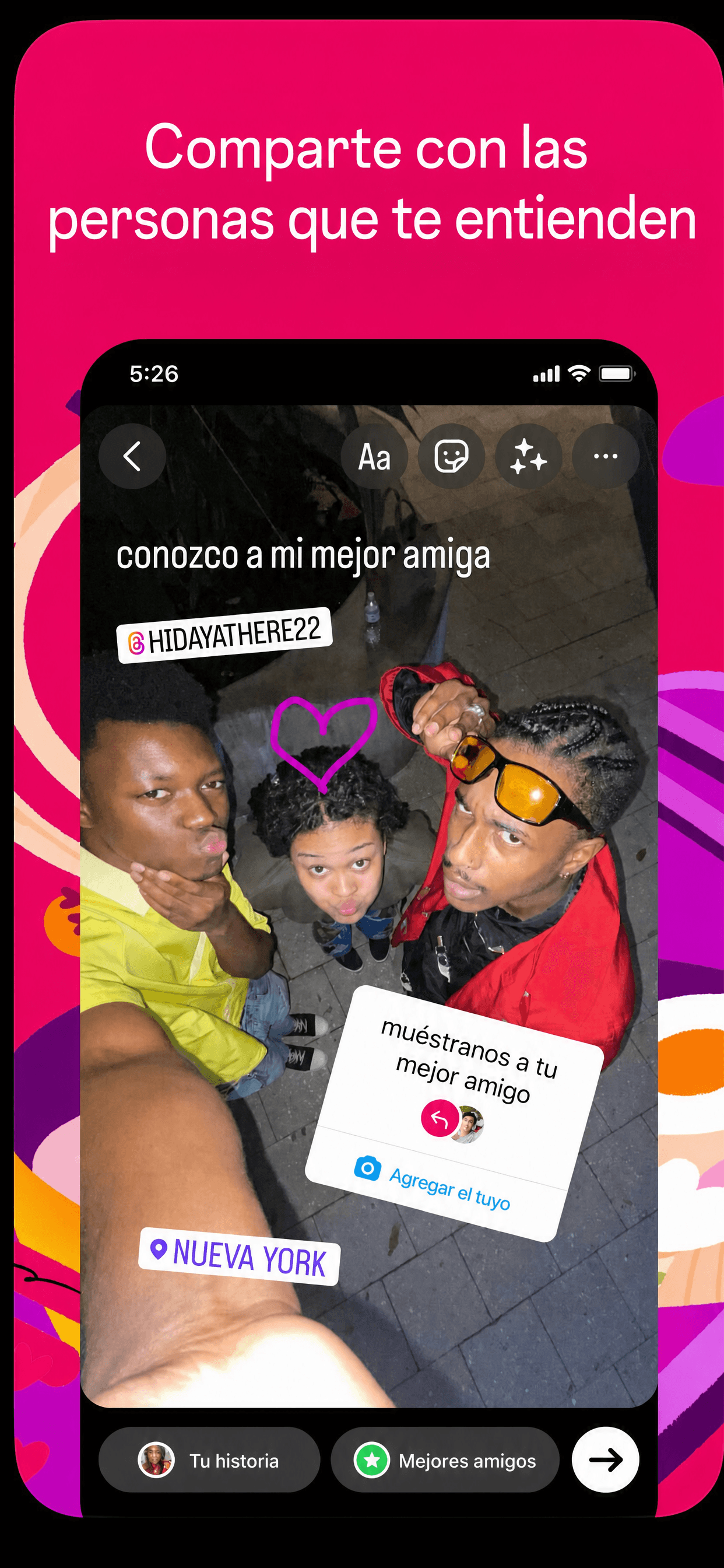
Translate the text in your screenshots into any of 34 App Store-supported languages. AI keeps your design pixel-equivalent — same layout, palette, typography, photography. Only the text changes.
34 App Store-supported languages
Spanish, German, Japanese, Korean, Arabic, Hindi, simplified and traditional Chinese, and 26 more.
Design stays identical
Layout, palette, typography, photography, in-app UI — all preserved pixel-equivalent.
Headlines only, or all text
Toggle scope. Headlines-only is most stable; all-text is fully thorough.
Sized for App Store Connect
Same iPhone or Mac dimensions as the original — drop straight in.
No screenshots yet? Describe your app — AI generates a complete set of conversion-optimised screenshots, sized perfectly for App Store Connect.
One-line prompt
“A budget tracker for freelancers with auto-categorisation and a clean, minimalist dark UI.”
Three polished screenshots per session
AI plans 3 complementary scenes that tell your app's story.
Bring your brand
Optionally upload a logo, mood board, or existing screenshot to steer style.
Same App Store-ready output
Downloadable at exact iPhone or Mac App Store dimensions.
A conversion score out of 10. Specific problems killing your downloads. Concrete fixes — not generic ASO advice.
Conversion score 1–10
Instant gut-check of how your screenshots perform.
Headline diagnosis
One sentence telling you exactly what's wrong.
3–5 specific problems
What's repelling downloads, named and explained.
3–5 prioritised fixes
Actionable next steps you can ship today.
4
/10
Cluttered first screen, hidden value prop
Users won't understand what your app does in 3 seconds. Headline is generic, screenshots show UI not benefits.
Generic headline
"The best app ever" tells me nothing. What problem do you solve?
Too much text per screen
Three paragraphs of feature copy — users scroll past in 1.2s.
Lead with the outcome
Replace "The best app" with "Track expenses in 5 seconds".
Five modes
From the first roast through a localized global launch — there's a flow for every stage.
Have screenshots, skip the critique. AI rewrites layouts, headlines, and CTAs into App Store-ready versions.
50 credits / screenshot
Translate your screenshots into any of 34 App Store languages — design stays pixel-equivalent.
50 credits / screenshot
No screenshots yet? Describe your app and AI generates 3 polished, conversion-optimised screenshots from scratch.
150 credits / session
Already have screenshots? AI scores them, names the problems, and tells you exactly how to fix them.
5 credits / roast
Generate a polished 1024×1024 iOS icon from a prompt. Optional reference images steer the style.
50 credits / icon
Works on both platforms. Switch with one toggle.
Pricing
No subscriptions hidden in dark patterns. Cancel anytime.
Free
$0 forever
150 credits on signup — try any mode
Start freeCredit pack
$10 one-time
1,000 credits — no subscription
Buy creditsPro
$20 / month
2,000 credits / month — best value per credit
Get ProFAQ
Screenshot Roast is an AI tool for App Store screenshots. Upload your existing iPhone or Mac App Store screenshots and it will critique them (a "roast" with a conversion score and specific fixes), redesign them into polished App Store-ready versions, translate them into 34 App Store languages, or generate a brand-new screenshot set from a one-line description of your app.
Every new account gets 150 free credits with no credit card required. That's enough for 30 roasts, about 3 AI redesigns, 3 localized screenshots, or one full generate-from-scratch session.
Downloads are exact App Store Connect dimensions: 1242×2688 for iPhone (6.5-inch display) and 1280×800 for the Mac App Store, as high-resolution PNGs you can upload directly.
Yes. Localize mode translates the text in your screenshots into any of 34 App Store-supported languages — Spanish, German, Japanese, Korean, Arabic, Hindi, simplified and traditional Chinese, and more — while keeping the layout, palette, typography, and photography pixel-equivalent.
Free accounts start with 150 credits. A one-time credit pack is $10 for 1,000 credits (they never expire, no subscription). Pro is $20/month for 2,000 credits every month. Roasts cost 5 credits; redesigns, localizations, and app icons cost 50 credits per image; a generate session costs 150 credits.
No. There's nothing to lay out and no templates to fight with. Upload a screenshot or describe your app in one sentence — the AI handles layout, headlines, and visual hierarchy, and you download finished PNGs.
150 free credits. Sixty seconds to better screenshots.
Roast my screenshots free